Mypass
what is a mypass card?
Everyone needs a MyPass card to use the passes they’ve purchased for Coronet Peak, The Remarkables and Mt Hutt. It allows you to access the conveyors and lifts, as well as any rental gear, lessons or Queenstown Ski Bus rides you have purchased.
On top of that, you can add MyPass Money to your MyPass card as credit for purchasing anything on our mountains. Since all the mountains are cashless, it’s perfect for giving the kids something to buy their lunch with.
When you register your MyPass card online, you can view your daily skiing and riding statistics over the season and compare them against your mates.
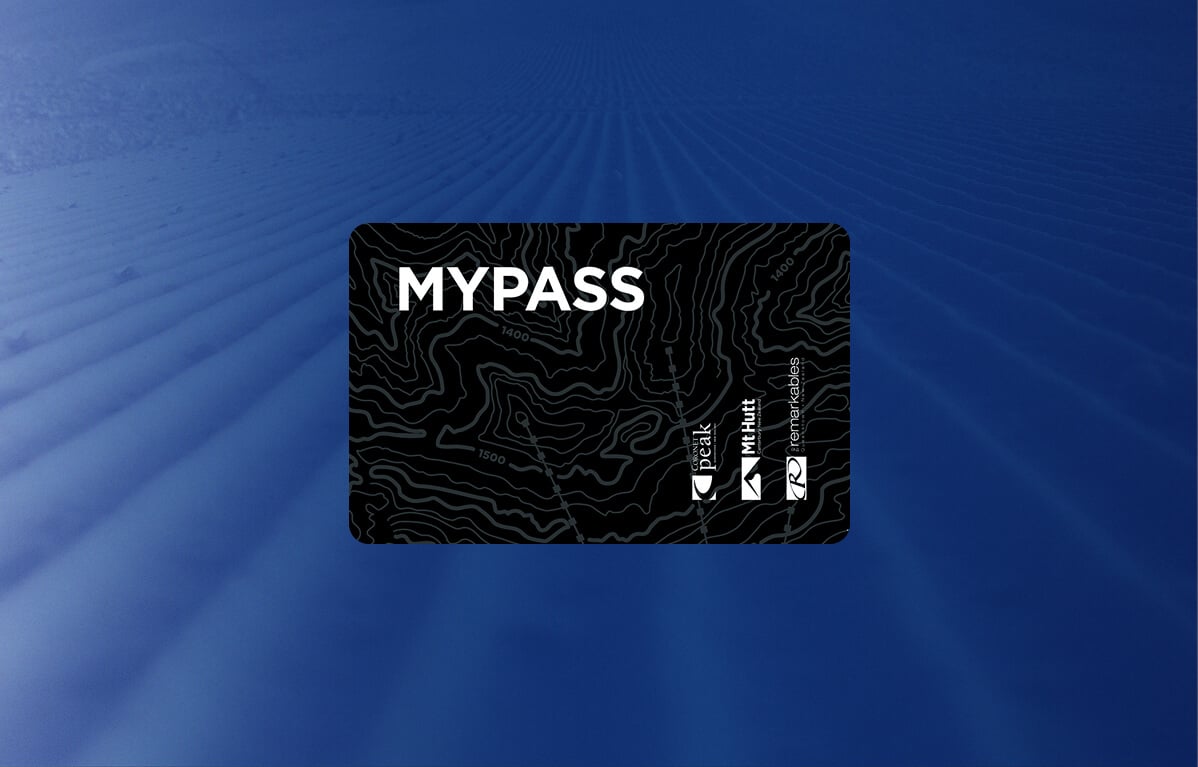
HOW DO I GET A MYPASS CARD?
First Time visiting? Or just need a new card? this season you can pick one up using our self-service MyPass Kiosks at any of the following locations:
- Coronet Peak, near Guest Services in the base building – right by ground floor entrance
- The Remarkables, near Guest Services in the base building – right by ground floor entrance
- Mt Hutt, near Guest Services in the base building – right by ground floor entrance
- Our Snow Centre in downtown Queenstown

how to collect your mypass card at kiosks:
- Ensure you have your order confirmation available on your phone (or have it printed)
- Ensure the display on your phone is set to bright
- Scan the barcode on your order confirmation
- Wait for your MyPass card to print – it will be loaded with your pass and any lessons, rentals or Queenstown Ski Bus rides purchased
If you need help, our Guest Services team will be nearby to assist.
what if i already have a mypass card?
If you already have a MyPass card and have purchased a lift pass, lesson, rentals, or anything else online, you can head straight to the lifts or go to your lesson meeting area and get your day underway.
However, if it’s been a while since you’ve skied with us or you have more than one MyPass card, you may want to check online that it’s linked to your purchases for this season.
To check, follow these steps:
- Visit The Remarkables, Coronet Peak or Mt Hutt websites and click on the Person Icon in the top menu.
- Sign-in to your account.
- Under or next to Contact Information and Profile Photo, look for ACTIVE MYPASS CODE. Ensure the code provided matches the code on the card you have, or click Add New Pass to change it.
- You can also check that your passes and products are on the account by clicking the grey Overview tab, then the blue Products and Reservations
If you need assistance, please contact Guest Services on (NZ) 0800 697 547, (AU) 1800 365 696, or [email protected]

how to view and share your stats?
Your personal MyPass account shows your daily mountain statistics! This includes your runs per day, vertical meters skied, plus a seasonal graph of your stats. Go to ‘My Stats’ in your MyPass account to view your statistics.
To stack your stats against friends and whānau, add them under the ‘Associates’ tab and switch on ‘Share my statistics’ in ‘Customer Info’. Then it’s game on… can you clock more vertical metres?
What is MyPass Money?
Just the easiest way to pay on the mountain.
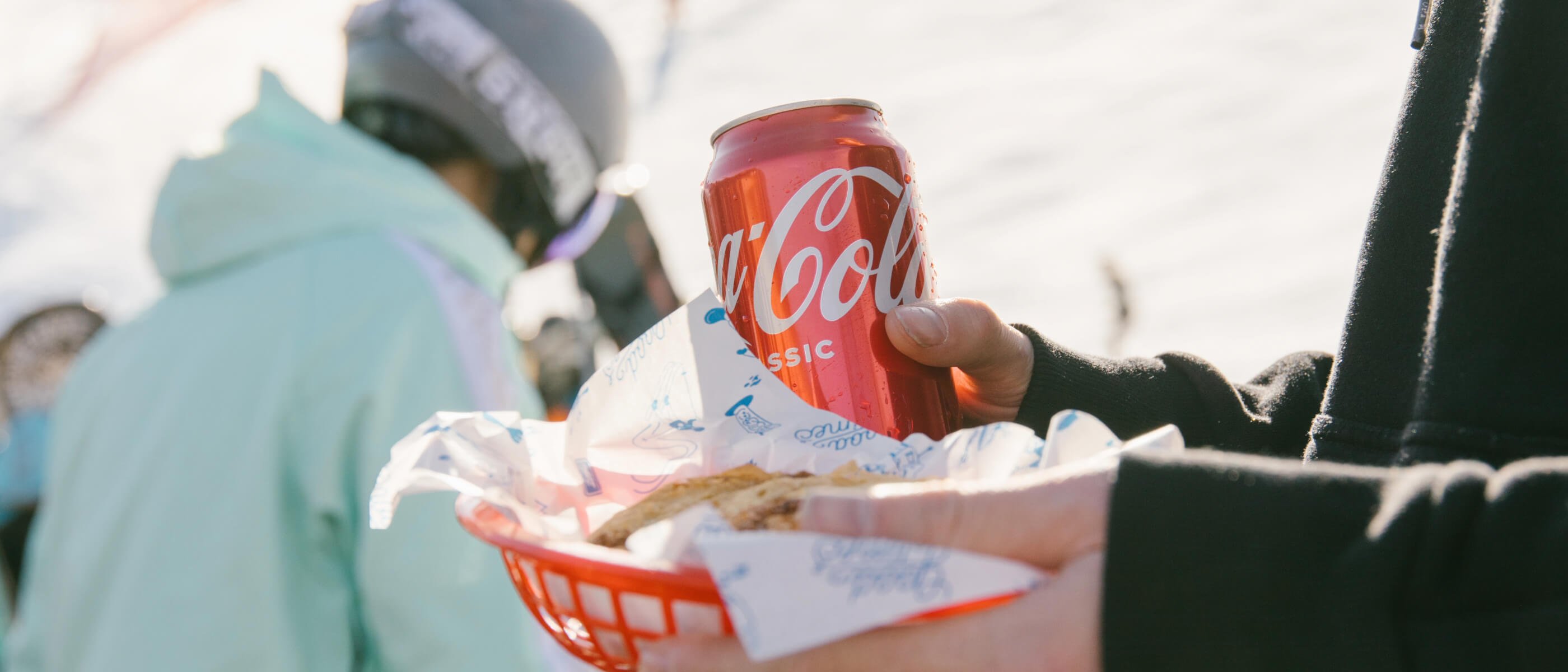
Load money onto your MyPass card and use it to pay for food, drinks, or even new gear from the Snow Shop. No digging through jackets or juggling wallets at the counter.
Top up the whole whānau’s cards so everyone can grab what they need, when they need it while you keep chasing those laps.
It’s the easiest way to pay while you're up the Peak. Just tap and go.
how to use mypass money:
Your MyPass card can become your on-mountain debit card by purchasing MyPass Money with your credit card from Guest Services. Just follow the step-by-step guide below to start using it on the mountains.
1. Activate MyPass Money
Visit any of our Guest Services locations to activate your MyPass Money and set up your personal PIN number. The PIN secures your MyPass card, just like a normal debit card.
2. Add MyPass Money
Visit any of our Guest Services locations with your credit card and we can add money for you.
3. Use your MyPass Money
Present your MyPass card whenever you want to make a purchase at any of our ski areas or online. Just let our team know that you would like to use 'MyPass Money' or continue to the online checkout, enter your PIN (on mountain only) and complete your purchase. Simple!
faqs
All of your products will be loaded to your MyPass Card. This is essentially your ticket to the mountain, to access the lifts at Coronet Peak, The Remarkables or Mt Hutt you will need a MyPass Card assigned to your profile with your products loaded onto it.
Skied with us before?
- Great, welcome back! If you already have your MyPass card, you can use this again to access our lifts, pick up your rentals, or to join your Snowsports lesson.
Purchased online?
- You can collect your MyPass Card by scanning the barcode in your confirmation email at one of our Kiosks or by visiting Guest Services.
- Using the Kiosk: Simply scan the barcode in your confirmation email and the Kiosk will print your MyPass card - from there you can head straight to the lift.
All of your products will be loaded to your MyPass Card. This is essentially your ticket to the mountain, to access the lifts at Coronet Peak, The Remarkables or Mt Hutt you will need a MyPass Card assigned to your profile with your products loaded onto it.
Skied with us before?
- Great, welcome back! If you already have your MyPass card, you can use this again to access our lifts, pick up your rentals, or to join your Snowsports lesson.
Purchased online?
- You can collect your MyPass Card by scanning the barcode in your confirmation email at one of our Kiosks or by visiting Guest Services.
- Using the Kiosk: Simply scan the barcode in your confirmation email and the Kiosk will print your MyPass card - from there you can head straight to the lift.
Queenstown Snow Centre:
- If you're planning to visit Coronet Peak or The Remarkables in Queenstown, we recommend you collect your MyPass card in advance at The Snow Centre at 25 Shotover Street.
We recommend you collect your MyPass Card the day before you head up the mountain from the Queenstown Snow Center to skip any queues.


Thank you for your submission!